Orbis Pixel Pipeline
A downloadable tool for Windows, macOS, and Linux
Orbis Pixel Pipeline
Batch pixel-art processing for game assets, retro resolutions, and palette-limited workflows.
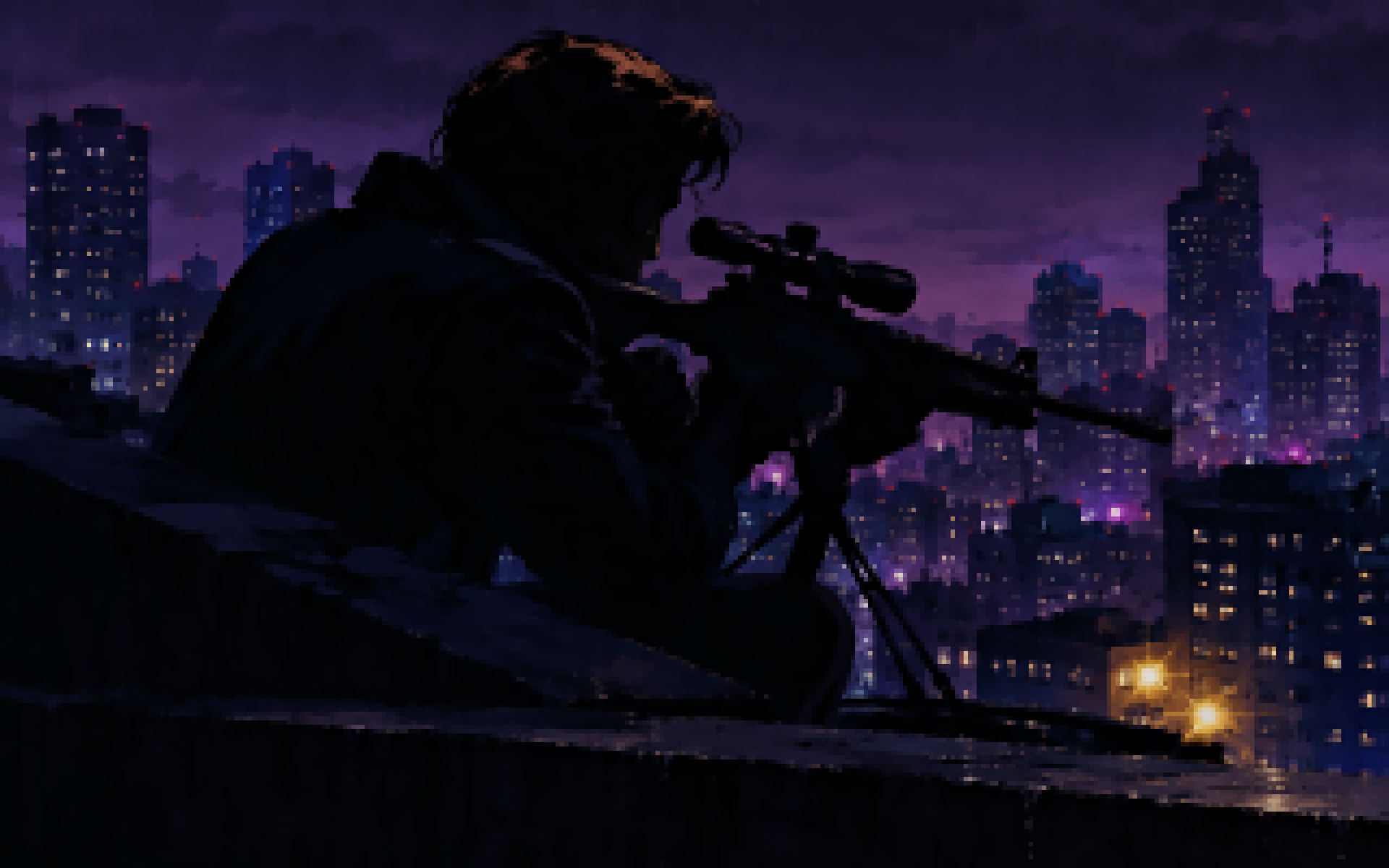
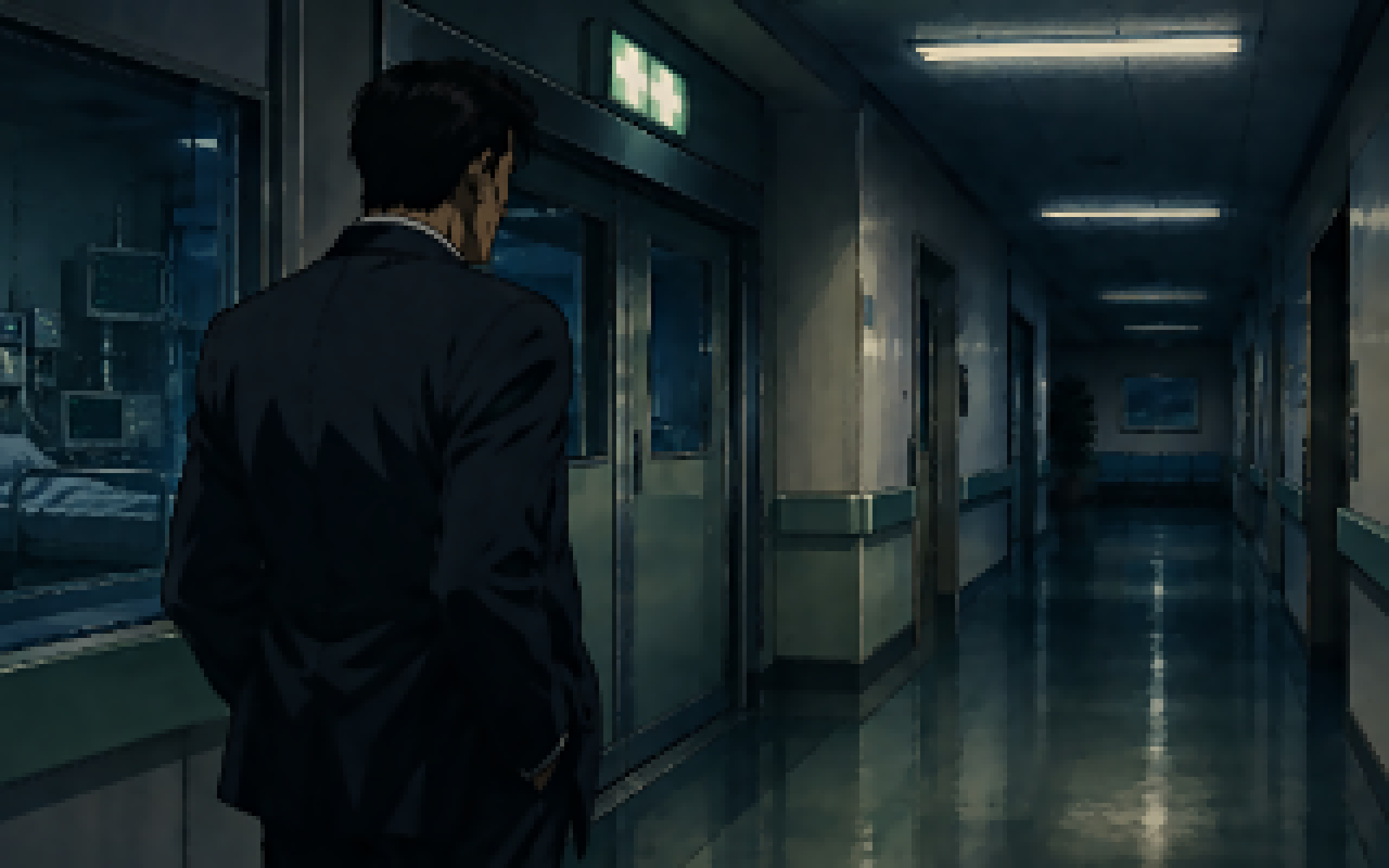
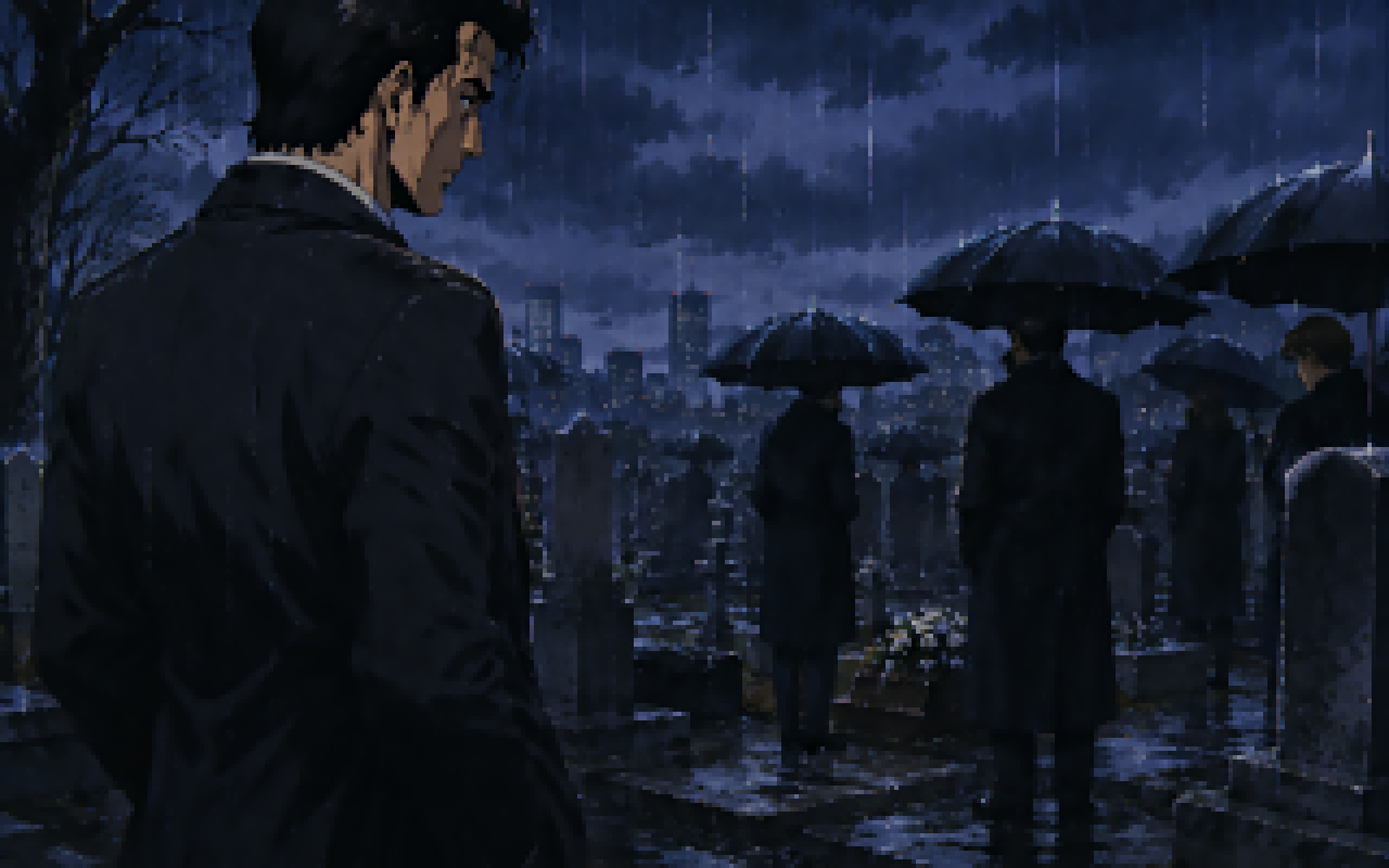
Orbis Pixel Pipeline is a command-line batch tool for converting high-resolution artwork, concept art, rendered images, screenshots, AI-generated images, and other source graphics into cleaner pixel-art-style game assets.
It was originally developed for my own game development workflow, but it has grown into a more general pixel-art processing pipeline for retro resolutions, palette-limited output, folder-based batch conversion, and asset preparation.
Free and full versions
The download includes two editions:
opp-free.exeis the free edition. It includes the same core processing features, but adds a watermark to the output image.opp-full.exeis the full edition. It creates clean output without the watermark.
The examples below use opp-free.exe, so you can test the full pipeline with the free version. For watermark-free production output, use opp-full.exe with the same parameters.
Download / executable
The release includes portable Cosmopolitan builds. Despite the .exe extension, these builds are intended to run across supported platforms from a single executable.
opp-free.exe input.png output.png -o 320x200 -p 5
On Unix-like systems, you may need to make the executable file runnable first:
chmod +x opp-free.exe
What it does
- Process complete folders of images in automated batch workflows
- Downscale artwork edge preserved to fixed game-ready resolutions
- Create harder pixel-art-style edges with adjustable pixelation
- Reduce colours with k-means palette limiting
- Map images to an external palette file, such as a GPL palette
- Upscale previews or final images with nearest-neighbor scaling
- Support arbitrary output sizes, not only fixed retro presets
- Choose how different aspect ratios are handled: cover, fit, or stretch
Typical use cases
- Batch converting folders of source artwork into game-ready pixel-art-style assets
- Downscaling painted, rendered, scanned, or AI-generated images into retro-style resolutions
- Preparing concept art, mockups, portraits, backgrounds, and object references for game development
- Testing different target resolutions such as 320x200, 256x144, 160x100, or custom sizes
- Creating limited-palette versions of larger artwork
- Building repeatable asset pipelines for game prototypes and retro-style projects
Basic usage
opp-free.exe input.png output.png -o 320x200
This creates a 320x200 output using the default aspect mode, which is --cover. The free edition adds a watermark to the result.
Folder batch processing
Orbis Pixel Pipeline is designed for folder-based batch workflows. You can point it at an input folder and an output folder to process many images with the same settings.
opp-free.exe input_folder/ output_folder/ -o 320x200 -p 5 -c 32
This is useful when working with large art collections, generated image sets, sprite reference batches, concept art variations, screenshots, renders, or repeated asset-generation passes.
Example batch workflow:
opp-free.exe source_images/ pixel_outputs/ -o 160x100 -p 5 -c 32 -u 8
This processes the folder, creates a 160x100 pixel grid for each image, limits the output to 32 colours, and then creates larger nearest-neighbor preview images.
Important parameters
Output resolution
-o WIDTHxHEIGHT
Sets the final pixel-grid resolution. Any reasonable custom size can be used.
opp-free.exe input.png output.png -o 320x200
opp-free.exe input.png output.png -o 256x144
opp-free.exe input.png output.png -o 160x100
opp-free.exe input.png output.png -o 123x77
Aspect ratio handling
--cover --fit --stretch
The default is --cover.
--coverfills the target resolution and crops excess image area if needed.--fitkeeps the full image visible and adds borders if the aspect ratio does not match.--stretchforces the image into the target size without preserving the original aspect ratio.
opp-free.exe input.png output.png -o 320x200 --cover
opp-free.exe input.png output.png -o 320x200 --fit
opp-free.exe input.png output.png -o 320x200 --stretch
Pixelation strength
-p 0..5
Controls the post-downscale pixelation strength.
-p 0disables extra pixelation. This is the default.-p 1applies light pixelation.-p 3applies medium pixelation.-p 5applies the strongest hard pixel-art setting.
opp-free.exe input.png output.png -o 320x200 -p 5
Colour limiting
-c COLORS
Limits the final downscaled image to a target number of colours using k-means.
-c 0disables colour limiting. This is the default.-c 16reduces the output to 16 colours.-c 32reduces the output to 32 colours.-c 256reduces the output to 256 colours.
opp-free.exe input.png output.png -o 320x200 -p 5 -c 32
Palette mapping
-m palette.gpl
Maps the final image to an external GPL palette file. The included Genesis.gpl palette can be used for Sega Genesis / Mega Drive-style colour mapping.
When palette mapping is enabled, Orbis Pixel Pipeline loads the palette, removes duplicate RGB entries, uses the available palette colours as the colour target, and maps the final result to the nearest palette colours.
opp-free.exe input.png output.png -o 320x200 -p 5 -m Genesis.gpl
If -m and -c are both supplied, palette mapping takes priority.
Nearest-neighbor upscale
-u SCALE
Upscales the final low-resolution pixel grid using nearest-neighbor scaling. This is useful for creating larger preview images while preserving hard pixel edges.
opp-free.exe input.png output.png -o 160x100 -u 8
This creates a 160x100 pixel-art grid and then upscales it to 1280x800.
Example workflows
Batch convert a folder to hard pixel-art-style output
opp-free.exe input_folder/ output_folder/ -o 320x200 -p 5
Batch convert a folder with 32-colour palette limiting
opp-free.exe input_folder/ output_folder/ -o 320x200 -p 5 -c 32
Hard pixel-art-style output
opp-free.exe input.png output.png -o 320x200 -p 5
Limited 32-colour pixel-art-style output
opp-free.exe input.png output.png -o 320x200 -p 5 -c 32
Genesis / Mega Drive-style palette mapping
opp-free.exe input.png output.png -o 320x200 -p 5 -m Genesis.gpl
Small pixel grid with large preview output
opp-free.exe input.png output.png -o 160x100 -p 5 -c 32 -u 8
Keep the full image visible with borders
opp-free.exe input.png output.png -o 320x200 --fit -p 5
Default behaviour
By default, Orbis Pixel Pipeline keeps the processing conservative:
-p 0 -c 0 --cover
This means no extra pixelation, no colour restriction, and centered crop-to-fill aspect handling unless you choose otherwise.
Download
Click download now to get access to the following files:
Development log
- Orbis Pixel Pipeline is now available1 day ago